Listen to live audio using your Phone or Tablet connected to hearing aids or headphones.
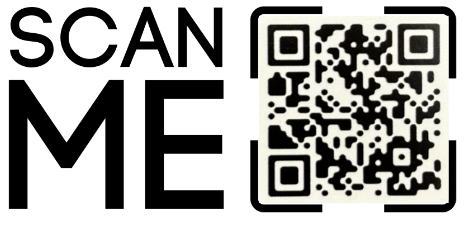
Step 1: Scan the QR Code and download the “AudioFetch” app in Google Play or Apple iTunes
Step 2: Then connect to “Church Audio BUMC” WiFi on your phone or tablet. (Make sure your hearing aids and headphones are connected to your device as well.)
Step 3: Adjust the Volume on your device or app to your preference.